

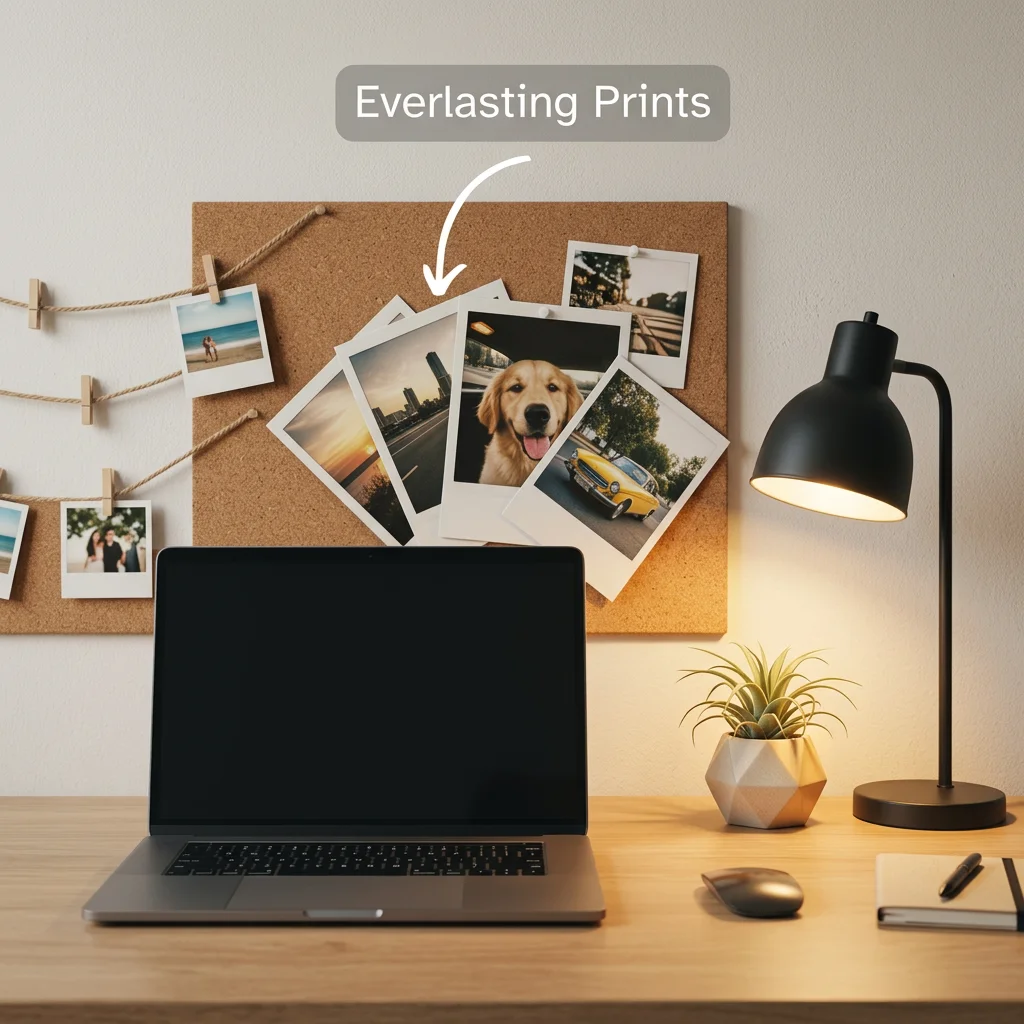
Your desk is where you spend eight or more hours every day - yet most Indian office setups treat decor as an afterthought. Office photo decor done right doesn't mean covering every surface. It means one or two well-placed prints of your people, your memories, your moments that shift how the whole space feels.
This guide covers exactly how to do that - desk formats, arrangement ideas, and what actually works in both WFH setups and office cubicles. It's part of our broader photo room decor ideas resource covering every space in your home and life.
The Best Photo Print Formats for a Workspace
Not every print format belongs on a desk. You want something intentional, not cluttered. Here are the formats that consistently work best in office settings:
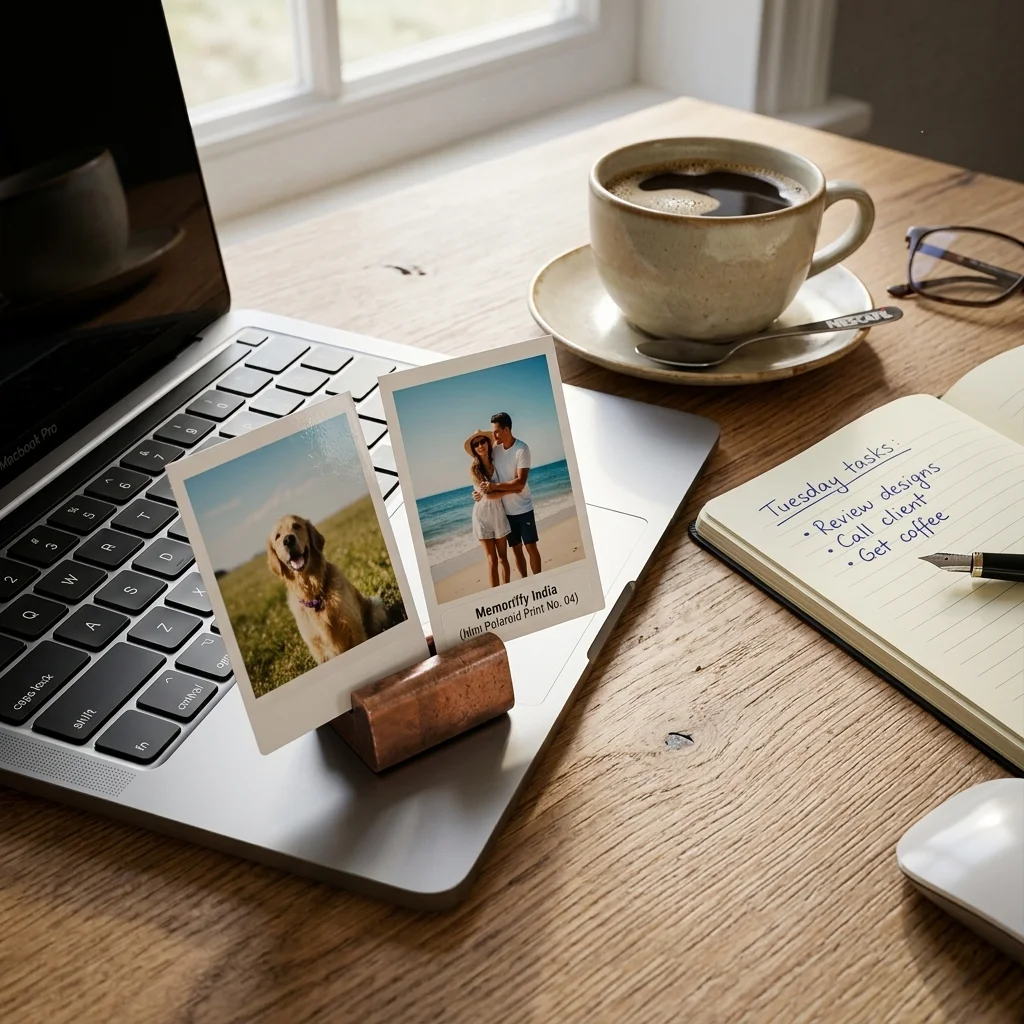
- Mini Memoroids (wallet-size prints): These tiny prints - about 6x9 cm, roughly the size of a playing card - are built for desks. Prop one against your monitor stand, tuck one next to your keyboard, or stick a few to the edge of a corkboard. They take up almost no space but are large enough to actually see. Mini Memoroids start at ₹149 and come in sets of 9.
- Polaroid prints: The white border gives polaroids a finished, framed look even when pinned loose. Great for fabric cubicle walls, cork boards, or displayed along a shelf behind your monitor.
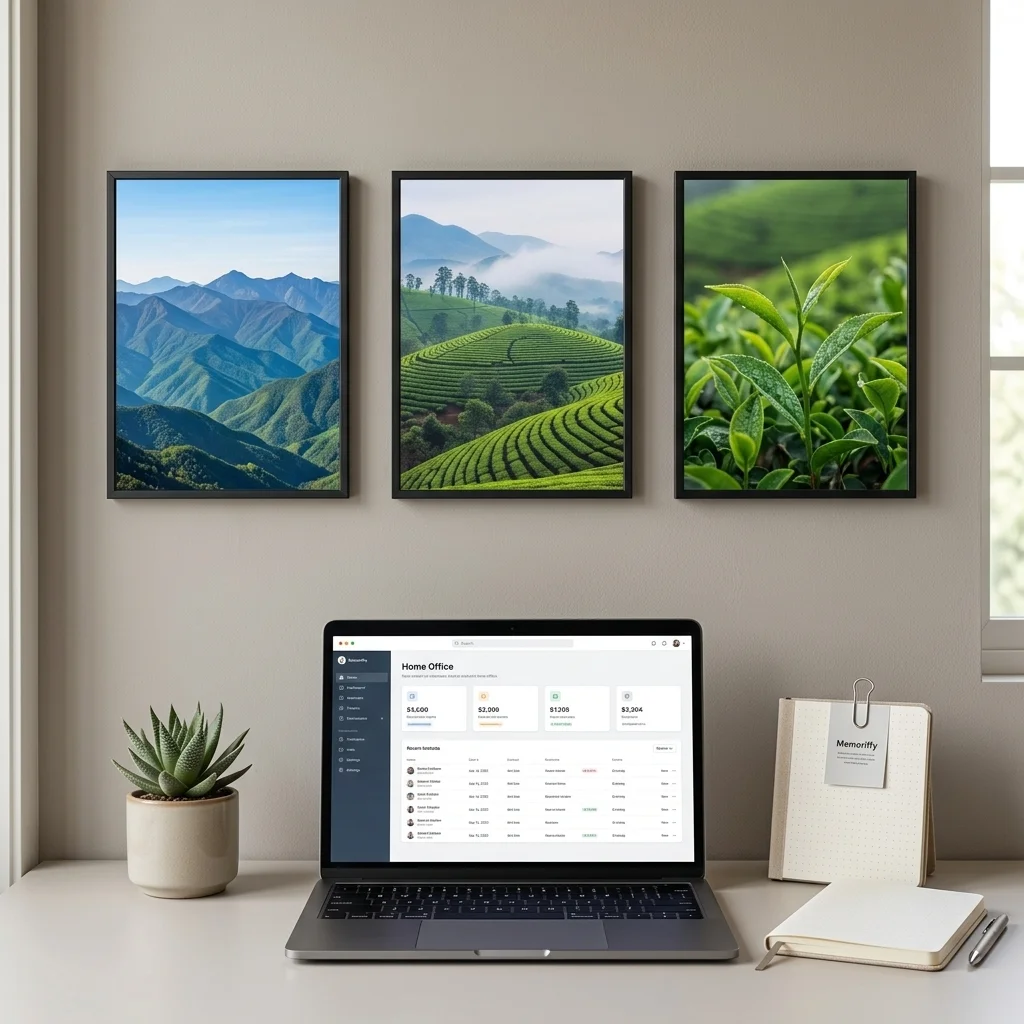
- Modern Timeless Prints: If you have a frame on the wall behind your chair, a borderless modern print looks professional and personal at the same time. No distracting border - just the image.
- Photo Calendar: A personalised desk photo calendar with your own images is the most practical workspace decor there is - it earns its place on the desk because you use it every single day.
How to Arrange Prints at a Small Desk
Most desks in India are compact. The trick is thinking in zones - each zone gets one thing, not everything at once. Think of it the way a good photograph is composed: every element has a reason to be where it is, and the negative space is part of the design.
- Zone 1 - Wall behind the monitor: Your hero zone. A grid of 4-6 polaroids, or 1-2 framed prints above eye level, works here. Keep it above the monitor line so it doesn't pull attention during calls.
- Zone 2 - Desk surface: Maximum 1-2 prints on the actual desk. A small frame with a single 4x6 print, or a set of mini memoroids propped against the monitor stand - pick one, not both.
- Zone 3 - Monitor or laptop edge: This is the sweet spot for mini memoroids. A small adhesive holder or a mini easel stand keeps them upright without taking desk real estate.
Research on workspace personalisation consistently shows that workers who control their environment report higher satisfaction and focus - a finding documented across multiple workplace psychology studies, including work cited by the Harvard Business Review on workplace autonomy. Even a single print makes a measurable difference.
WFH Setup vs Office Cubicle - Different Rules Apply
A WFH setup gives you full creative control. Go as personal as you want - a polaroid wall behind your chair, a gallery arrangement on the side wall, a desk calendar on your left. The one practical constraint: check what appears directly behind you in video calls. A small arrangement is fine. A chaotic wall of prints can look distracting on calls, so keep the zone directly behind your chair relatively clean, or own the aesthetic fully.
Office cubicles are different. Most Indian workplaces have informal or formal rules about wall decor. The smart approach for cubicles: stay desk-surface only. Mini memoroids propped near the monitor, a photo calendar, a single small frame. If your cubicle has a standard fabric corkboard, polaroids with pushpins are fair game and leave no damage when you eventually move them.
For a full WFH setup that ties your work corner into the rest of your room, our guide on decorating your room with photo prints covers the full layout from desk to walls.
Keeping Prints Looking Good at a Desk
Desks are genuinely harsher environments than bedroom walls. Dust, the occasional coffee splash, afternoon sunlight through a window, heat from a laptop - your workspace tests prints in ways a wall never does. This is why Memoriffy prints are built as waterproof photo prints - a spilled cup won't destroy a photo you've kept for years. The pigment-based inks and water-resistant coating mean you can wipe the surface clean and the image stays intact.
Direct sunlight is the bigger long-term enemy for any print. If your desk gets harsh afternoon sun, rotate frames away from the window or stick to positions in indirect light. For more on why prints degrade and how to prevent it, see our guide on how to prevent photo prints from fading.
Budget Ideas That Actually Work
You don't need a big spend to make a workspace feel more personal. A set of 9 mini memoroids at ₹149, a single polaroid print for the corkboard, a string of fairy lights with clips for your prints - these are sub-₹500 changes. For more ideas across that price range, see our photo gifts under ₹500 guide. And if you want to go further without spending much, our DIY photo wall art ideas on a budget guide has step-by-step options for WFH setups.
One thing worth noting: India's WFH workforce has grown significantly since 2020, with more people setting up dedicated workspace corners at home. The market for desk personalisation has grown with it - and photo prints are the most personal version of that.
Common Questions
Can I use photo prints in an office cubicle without damaging the walls?
Yes. For cubicles, keep prints on the desk surface rather than pinned to shared walls - mini memoroids propped near the monitor, a small frame, or a photo calendar. If your cubicle has a standard fabric corkboard partition, polaroid prints with standard pushpins work perfectly and leave no lasting marks when removed.
What size prints work best on a desk?
Mini Memoroids (wallet-size, about 6x9 cm) and standard polaroid prints (roughly 8x8 cm image area) are the best sizes for desk display - large enough to see clearly but compact enough not to overwhelm the surface. For framed prints on the wall behind a desk, 4x6 inch or 5x7 inch prints in simple frames work well.
Are Memoriffy prints safe to keep near a laptop or monitor?
Yes. All prints are fully dry when delivered and pose no moisture risk to electronics. The prints are also fadeproof - heat from a nearby laptop or monitor won't cause colour loss over time. You can keep them inches from your screen without any effect on the print or the device.
Ready to personalise your workspace? Browse Mini Memoroids (from ₹149) for desk display, all polaroid formats for cork boards and wall pins, or see the full print collections for every format. Delivered anywhere in India in 3-5 days.